
In the world of e-commerce and digital advertising, small technical details often create disproportionate impact. One of those details is Google product category. It sounds simple, even administrative. But in practice, it directly influences how your products are understood, classified, and ultimately shown to potential buyers.
If you run online ads, manage a product catalog, or scale an e-commerce business, ignoring this element is not neutral, it is a silent loss of performance.
This article breaks down what Google product category actually is, why it matters more than most people assume, and how to use it strategically without overcomplicating your workflow.
What Is Google Product Category?
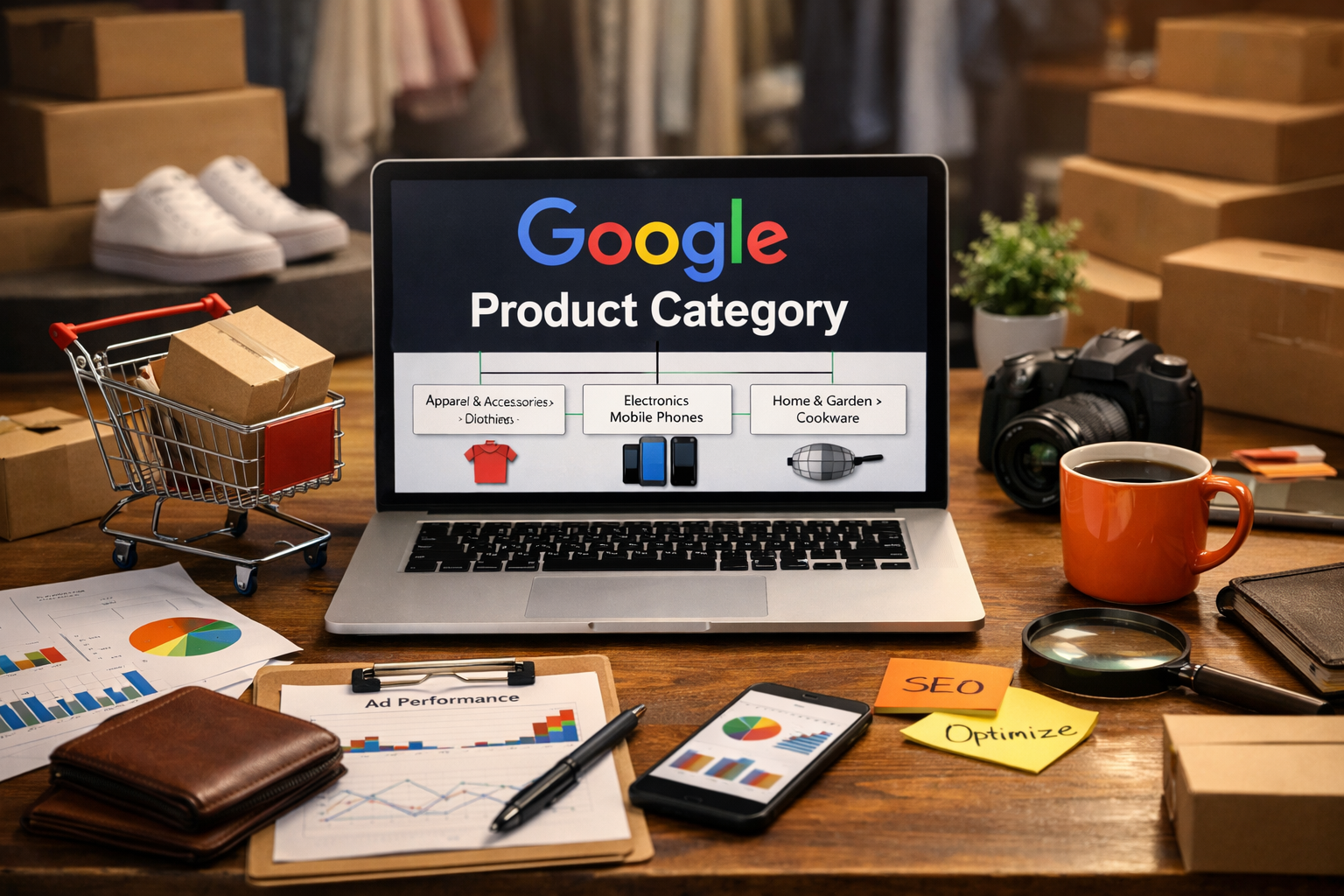
The Google product category is a predefined taxonomy created by Google to classify products within its ecosystem, especially in Google Merchant Center and Google Shopping Ads.
It works as a standardized labeling system. Instead of letting every seller describe products freely, Google uses its own structured categories to understand what you are selling.
For example:
- Apparel & Accessories > Clothing > Dresses
- Electronics > Communications > Telephony > Mobile Phones
- Home & Garden > Kitchen & Dining > Cookware
This structure is not just for organization. It helps Google decide:
- Where your product appears
- Who sees it
- How relevant it is to search queries
In short, it is a translation layer between your product and Google’s algorithm.
Why Google Product Category Matters More Than You Think
At a glance, many sellers treat this as a “fill it once and forget it” field. That is a mistake.
1. It Impacts Ad Targeting Accuracy
Google uses product category to better match your items with user intent. If your category is too broad or incorrect, your product may:
- Show to the wrong audience
- Compete in irrelevant auctions
- Lose click-through rate
Example:
If you sell “running shoes” but categorize them under “Casual Shoes,” you dilute intent. The algorithm will struggle to prioritize your product for performance-focused searches.
2. It Influences Approval and Compliance
Certain product categories have stricter rules. For example:
- Health-related products
- Financial services
- Adult content
Incorrect categorization can lead to:
- Disapproved products
- Limited visibility
- Policy violations
This is especially important if you plan to scale ads aggressively.
3. It Improves Feed Optimization Efficiency
A well-structured category system allows:
- Better segmentation in campaigns
- Smarter bidding strategies
- Cleaner reporting
Instead of guessing what works, you can analyze performance per category and optimize with precision.
Google Product Category vs Product Type: Know the Difference
This is where many people get confused.
Google Product Category
- Controlled by Google
- Must follow predefined taxonomy
- Used for algorithm understanding
Product Type
- Defined by you
- Flexible and customizable
- Used for internal organization and campaign structure
Think of it this way:
- Product category = how Google sees your product
- Product type = how you organize your business
You need both, but they serve different purposes.
How to Choose the Right Google Product Category
Choosing the correct category is not about perfection. It is about relevance.
Start With the Most Specific Match
Always go as deep as possible in the category tree.
Bad:
- Apparel & Accessories
Better:
- Apparel & Accessories > Clothing > Activewear
Best:
- Apparel & Accessories > Clothing > Activewear > Running Shorts
The more specific your category, the clearer your product signal.
Avoid Overthinking Edge Cases
If your product sits between two categories, choose:
- The one that reflects primary function
- Not marketing angle
Example:
A smartwatch with fitness tracking is still:
- Electronics > Wearable Technology > Smartwatches
Not:
- Sporting Goods
Use Google’s Official Taxonomy
Google provides a full list of categories (updated periodically). Do not guess category names manually. Always refer to the official taxonomy to avoid mismatch or errors in feeds.
Common Mistakes That Kill Performance
Even experienced advertisers make these errors.
1. Using Generic Categories
Choosing broad categories reduces targeting accuracy. It signals uncertainty to the algorithm.
2. Mixing Product Intent
Putting different product types under one category (e.g., fashion and sports gear mixed loosely) creates messy data and weak optimization signals.
3. Ignoring Category Updates
Google occasionally updates its taxonomy. If you never review your categories, your feed can slowly become outdated.
4. Relying Only on Automation
Automatic categorization tools are helpful, but not always precise. Blind trust leads to misclassification, especially for niche products.
Strategic Use of Google Product Category in Ads
This is where things become more interesting.
If you are running Performance Max or Shopping Ads, category selection is not just technical. It is strategic.
Segment Campaigns by Category
Instead of one large campaign, group products by category:
- Better control over budget
- More accurate performance tracking
- Easier scaling
Align Category With User Intent
Different categories represent different buying stages.
Example:
- “Luxury Watches” → high-intent buyers
- “Fashion Accessories” → broader discovery
Choosing the right category aligns your product with the right intent level.
Combine With Custom Labels
Use product category alongside:
- Price tiers
- Profit margins
- Seasonal tags
This allows more advanced optimization, especially when scaling campaigns.
Real Example: Why Category Selection Changes Results
Imagine you sell a “minimalist leather wallet.”
Two category options:
- Apparel & Accessories > Handbags, Wallets & Cases
- Apparel & Accessories > Clothing Accessories
Option 1 is more precise.
What happens if you choose option 2?
- You compete with scarves, belts, and hats
- Your relevance score drops
- CPC may increase due to weaker matching
The result is not catastrophic, but it is inefficient. Over time, inefficiency compounds.
How Google Uses This Behind the Scenes
Understanding this part gives you an edge.
Google does not rely on one signal. It combines:
- Product title
- Description
- Attributes
- User behavior
- Product category
When all signals align, performance improves.
When they conflict, the algorithm hesitates.
So even though product category is just one field, it acts as a confidence booster for the system.
Is Google Product Category Mandatory?
Not always.
Google can auto-categorize products if you leave it blank. However:
- It may not be accurate
- It reduces your control
- It can hurt performance in competitive niches
For serious advertisers, manually setting the category is the better approach.
Practical Workflow for Beginners
If you are just starting, do not complicate it.
- Identify your product clearly
- Search within Google’s taxonomy
- Choose the most specific relevant category
- Double-check consistency across your catalog
That is enough to get solid results.
Refinement can come later once you have data.
Final Perspective: Small Detail, Real Impact
Google product category is not a growth hack. It is a foundational element.
It will not suddenly double your sales. But it will:
- Reduce inefficiencies
- Improve targeting clarity
- Strengthen your data structure
And in digital marketing, consistent marginal gains are what separate average campaigns from profitable ones.
If you treat this as a strategic input rather than a checkbox, you will notice the difference over time.